Shape an image. Direct a scene.
Generate images, make targeted edits, and create short videos in K3.1 Studio with models served through fal.ai.
Create or edit an image
Start with a description of the subject, framing and light. If you have a reference, attach it and describe the change and the details to keep.
Open Image Studio →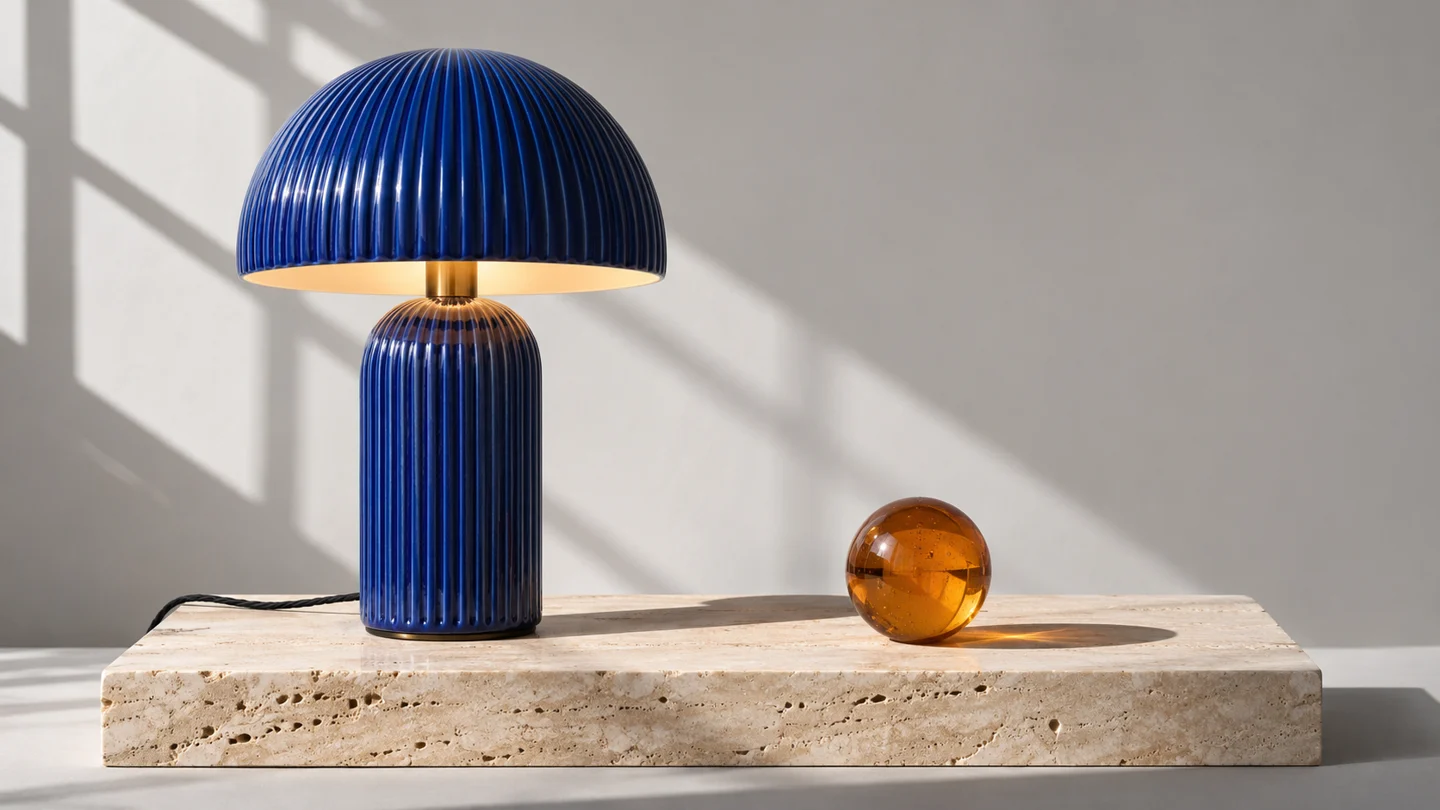
Camera direction Move slowly toward the cobalt lamp and keep its silhouette centered.
Rendered camera sample from a still.Direct one clear move
Describe the first frame and how the camera moves. Attach a still in image-to-video mode to use it as the starting frame.
Open Video Studio →Review a video you already have
Use Kimi to identify the visible steps in a walkthrough and ground each observation in a timestamp.
Read the video analysis guide →The desk lamp is $32. Shipping is not shown here.
Review finding
Show a shipping estimate in the cart when the destination is known. In this recording, the shopper sees the charge only after continuing to delivery.
The clip shows one path. It cannot establish whether earlier estimates improve conversion.
Plan your media runs
Studio shows the credit quote before you submit. Browse pricing to compare how a mix of image and video runs fits each pack.
Estimate your credits →